

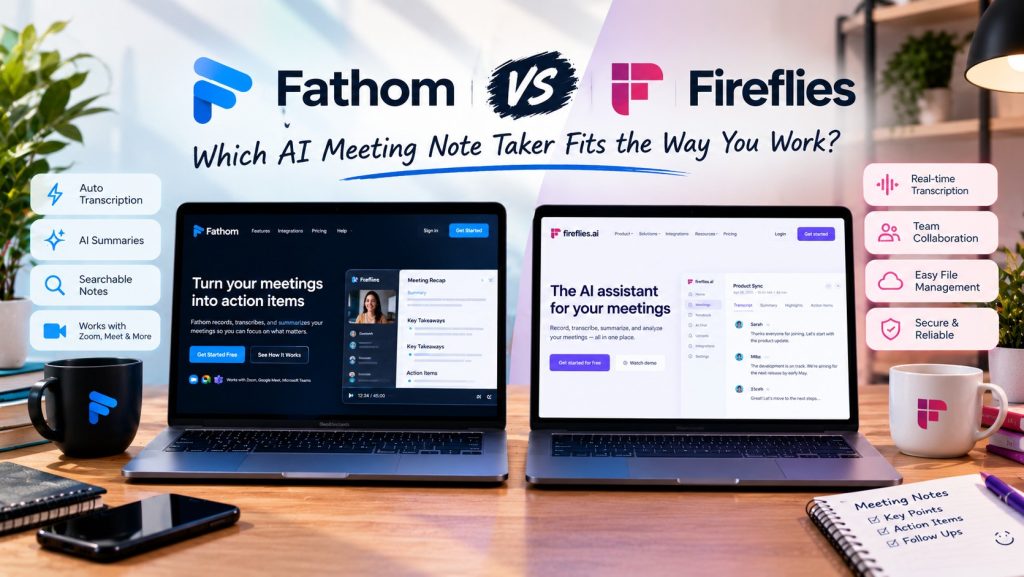
Fathom vs Fireflies is the comparison people reach when they want an AI note taker that joins the call for them. Both tools send a bot into your Zoom, Google Meet or Teams meeting, record it, transcribe it and hand you a summary and a searchable transcript afterwards. On the surface, they look like the same product sold twice.
The split shows up in the free plans and in one asterisk. Start with Fathom: it charges nothing and puts no cap on how much you record or transcribe. Fireflies also advertises unlimited transcription on its free plan, but its pricing page puts a quiet limit next to it: 400 minutes of storage for your whole team, and 20 AI credits. One tool limits the smart features. The other limits how much of your meeting history you get to keep.
This Fathom vs Fireflies comparison works through both free plans, the asterisk, and the real paid prices, so you can see which limit would bite you first.
The quick facts
- Fathom: $0 forever, with no cap on recordings or transcriptions. A bot joins the call to capture it, and bot-free recording is in beta on Mac. The first paid tier is Premium at $16 a month billed annually.
- Fireflies: free plan at $0 with unlimited transcription, but storage capped at 400 minutes per team and 20 AI credits. Its bot, Fred, joins every call. Pro costs $10 per seat a month on annual billing.
- Both: join Zoom, Google Meet and Microsoft Teams calls and turn them into notes, summaries and searchable transcripts.
| Fathom | Fireflies | |
|---|---|---|
| Free plan | $0 forever, unlimited recordings and transcriptions | $0, unlimited transcription; 400 minutes of storage per team, 20 AI credits |
| Paid solo price | Premium $16 per user per month billed annually ($20 monthly) | Pro $10 per seat per month billed annually ($18 monthly) |
| Bot in the meeting | Yes, a recording bot joins by default; bot-free capture is in beta, Mac only | Yes, the Fred bot joins every call; no bot-free option |
| History limit | No cap on recordings or transcriptions on the free plan | 400 minutes of stored meetings per team on free; 8,000 minutes per seat on Pro |
| Languages | Transcription for the major meeting platforms and languages | Transcription in 100+ languages |
Fathom vs Fireflies: how each tool joins your meetings
Unlike our Fathom vs Granola comparison, this is not a fight about whether a bot should exist. Both of these tools are bot-first, so in either case you will see an extra name in the attendee list. That guest is the recorder: it listens to the whole call and turns it into the transcript and summary you read afterwards, and it keeps working even if your laptop battery does not.
Fathom has started softening even that. Alongside the bot sits a bot-free capture option, currently in beta and limited to Mac, so Mac users can record from their own device instead. Treat it as a bonus rather than a foundation, but it is still more flexibility than Fireflies offers: the Fred bot joins every Fireflies meeting, and no setting removes it.
Fireflies answers with reach. Its bot covers Zoom, Google Meet and Teams, transcribes in more than 100 languages, and the same account accepts uploaded audio and video files and in person recordings from its mobile app. If your meetings happen in several languages, or half of them never touch a calendar invite, that breadth is the reason Fireflies exists.
Fathom: the free plan with no ceiling where it matters
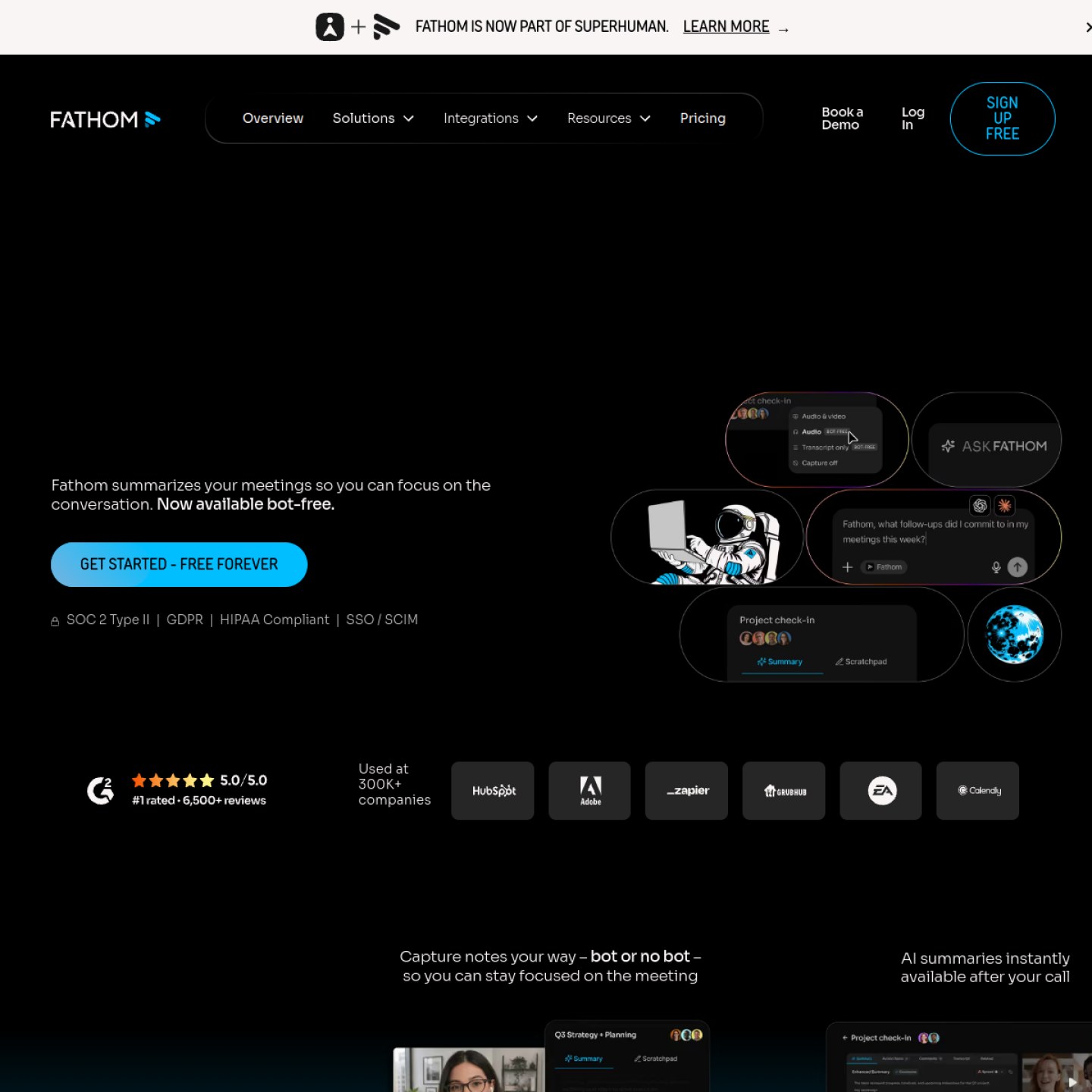
Everything about Fathom starts with what $0 buys. The plan does not expire, nothing meters your storage, and the core of the product is all there: record and transcribe as much as you like, get a summary the moment the call ends, cut clips, and search months of meetings later. A year of daily standups sits in the account, and it cost nothing.
What the free plan holds back is depth, not volume, the same pattern we found in our Fathom vs Granola comparison. The standard summary arrives after every call, but the advanced summaries, the ones that dig furthest into decisions and action points, come with a ration. When the ration runs out, recording carries on regardless. Premium exists to remove that one ration.
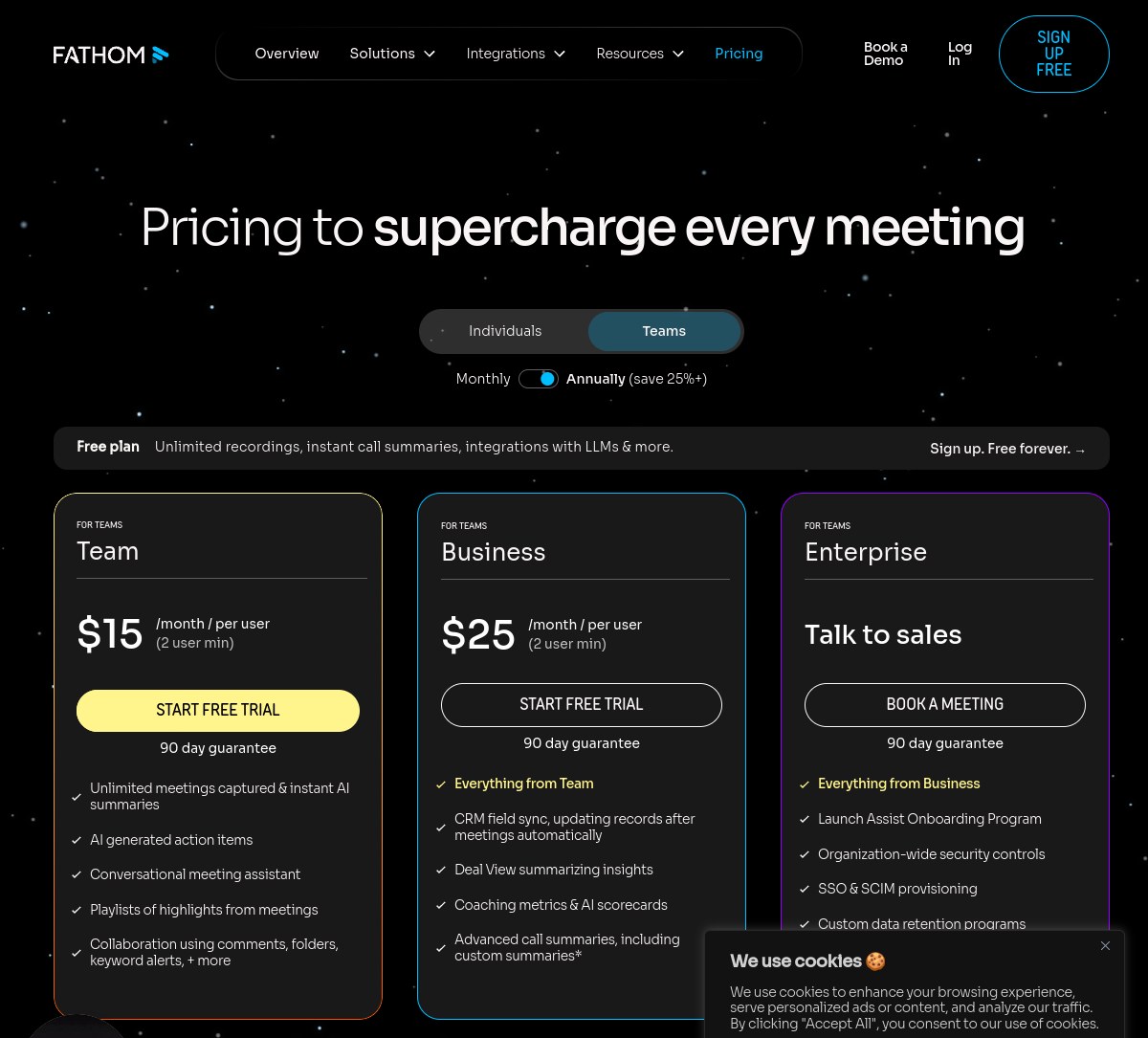
Premium costs $16 per user a month on annual billing, $20 if you pay monthly, and it adds AI generated action items plus an assistant you can ask questions about past calls. Teams pay less per seat than solo users, oddly: Team is $15 a head billed annually ($19 monthly) for two users or more, and Business is $25 ($34 monthly). Every paid tier comes with a 90 day guarantee, which takes some risk out of trying one.
What we like
- Record and transcribe without any cap, and keep it all at $0
- Summaries land instantly, with clips and full search
- Mac users can try recording without the bot
- Paid plans are covered by a 90 day guarantee
What to watch
- The best AI summaries are rationed on the free plan
- No bot-free recording yet for Windows
- Premium costs more than Fireflies Pro
- Team needs at least two users
Fireflies: unlimited transcription, with an asterisk
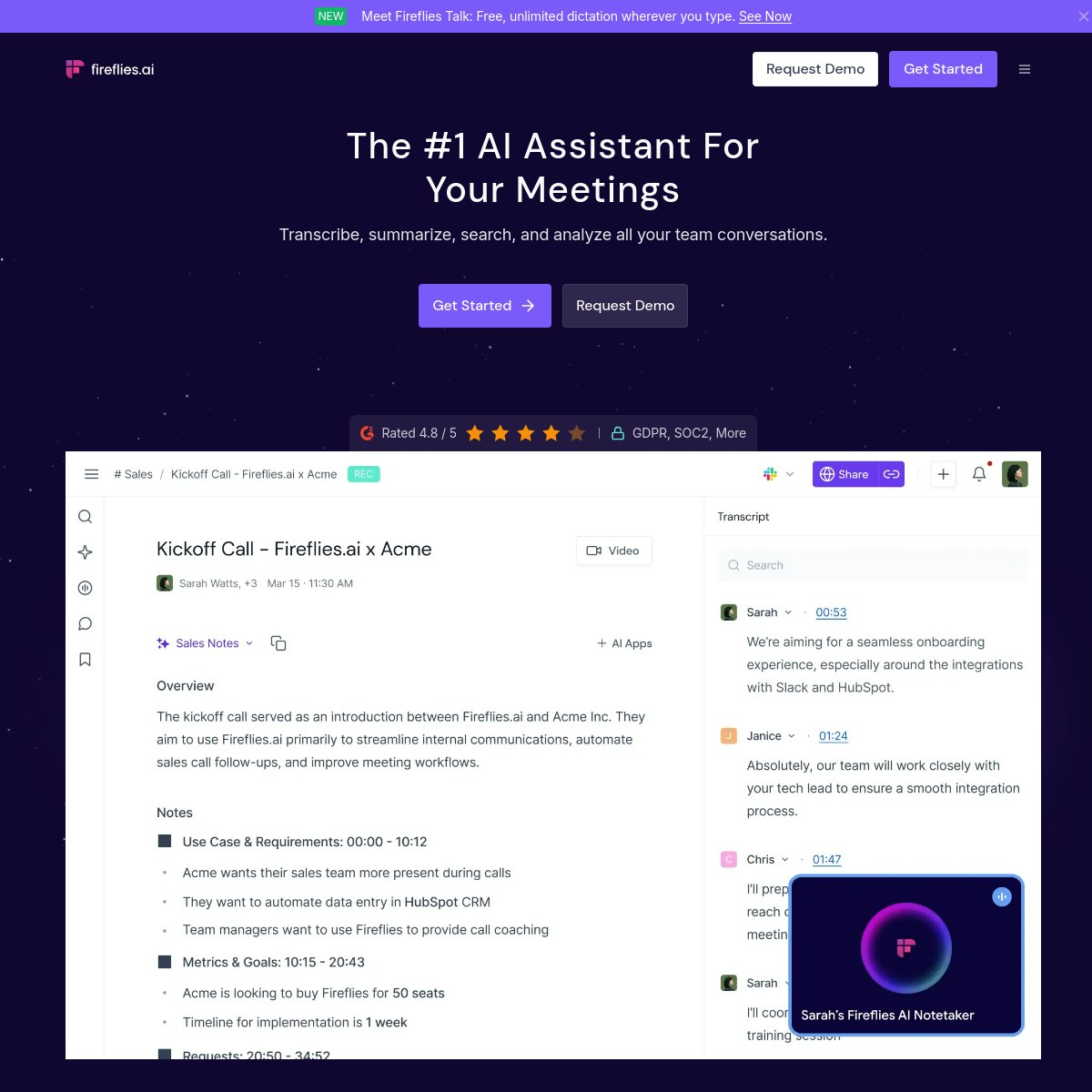
Fireflies’ free plan needs reading twice. The headline says unlimited transcription, and that part is true: Fred will join and transcribe meeting after meeting without a per meeting charge. The limit is storage. Your workspace keeps 400 minutes of meetings in total, for the whole team, and once that space is full, older recordings have to go before new ones can stay. Twenty AI credits and a limited set of AI summaries complete the free tier’s boundaries.
What that means in practice depends on your week. A solo user with three short calls a week might not feel the cap for a month or two. A small team recording every call hits 400 minutes in days, and at that point the free plan stops being a library and becomes a conveyor belt: useful notes, nothing kept. Fathom’s free plan has no equivalent moment.
Paying removes the squeeze in stages. Pro, at $10 per seat per month billed annually or $18 monthly, raises storage to 8,000 minutes per seat and unlocks unlimited AI summaries. Business, at $19 billed annually or $29 monthly, removes the storage limit entirely and raises AI credits to 30. Enterprise, at $39 per seat per month on annual billing only, takes credits to 50. Pro is the tier most people will actually buy, and at $10 it undercuts Fathom Premium by $6 a month.
What we like
- Transcription in more than 100 languages
- Pro is the cheapest paid seat here at $10 billed annually
- Uploads and a mobile app cover meetings a bot cannot join
- Business removes storage limits altogether
What to watch
- Free plan storage is 400 minutes for the whole team, not per person
- Free AI summaries are limited, with 20 AI credits
- The Fred bot joins every meeting, with no bot-free option
- Enterprise is annual billing only
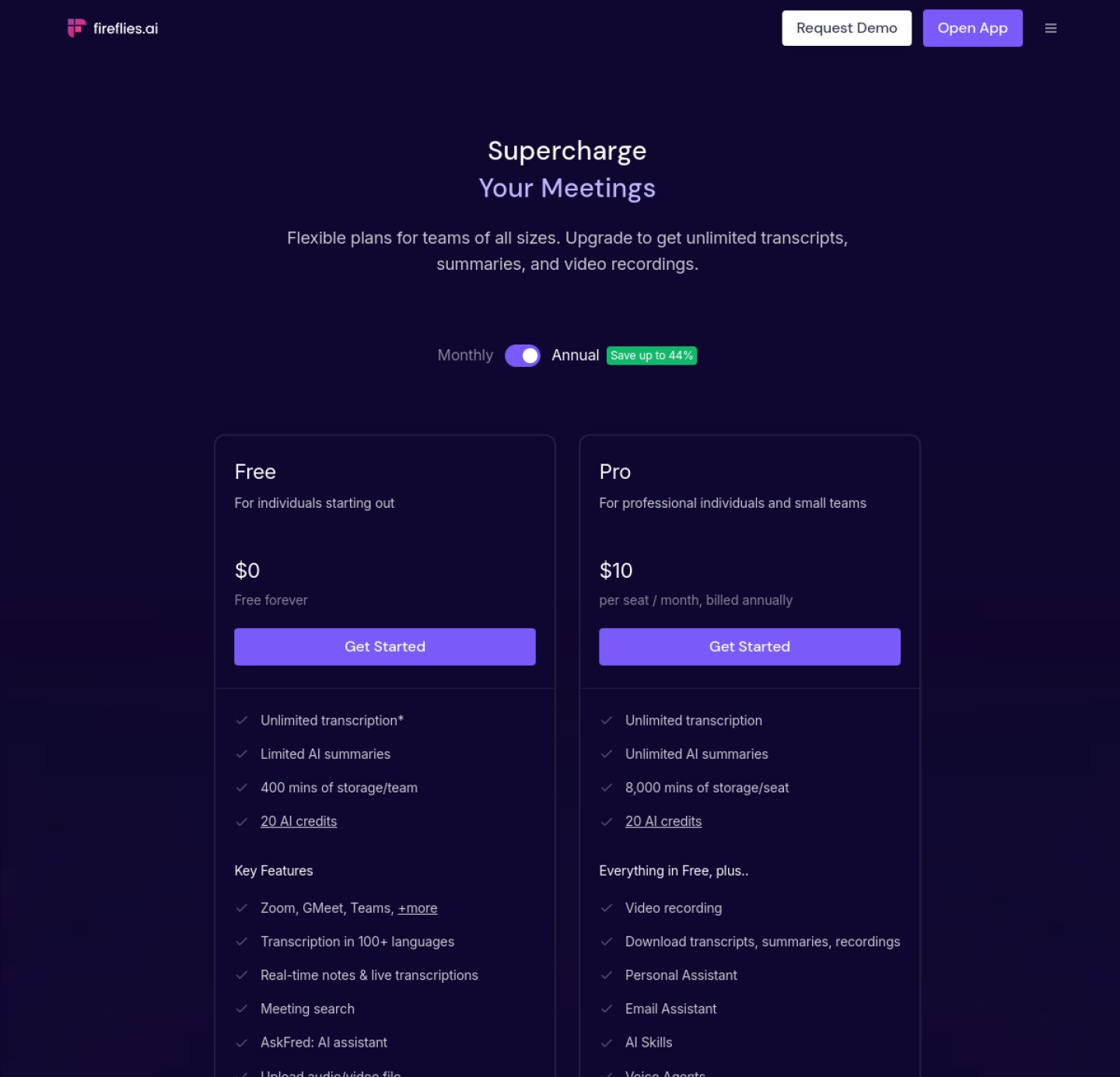
Fireflies will transcribe every meeting you have. On the free plan, it just will not keep them all.
Fathom pricing vs Fireflies pricing, checked October 2026
Every figure below comes from Fathom’s pricing page and Fireflies’ pricing page, checked in October 2026. Read the storage rows carefully, because that is where these two tools genuinely part ways.
| Plan | Fathom | Fireflies |
|---|---|---|
| Free | $0 forever: unlimited recordings and transcriptions; advanced AI summaries limited | $0 forever: unlimited transcription; 400 minutes of storage per team; 20 AI credits |
| Solo paid | Premium $16 per user per month billed annually ($20 monthly) | Pro $10 per seat per month billed annually ($18 monthly); 8,000 minutes of storage per seat |
| Team | Team $15 per user per month billed annually ($19 monthly), two user minimum | Business $19 per seat per month billed annually ($29 monthly); unlimited storage |
| Top tier | Business $25 per user per month billed annually ($34 monthly) | Enterprise $39 per seat per month, annual billing only |
The yearly math cuts both ways. For one person on annual billing, Fireflies Pro costs $120 a year against Fathom Premium at $192, a saving of $72. On monthly billing the gap narrows: $216 a year for Pro against $240 for Premium. But the free plans reverse the story completely. Fathom at $0 keeps every recording and transcript with no storage ceiling, while Fireflies at $0 keeps 400 minutes per team. The cheapest year with a real meeting archive is Fathom’s, and it costs nothing.
Which one should you pick?
Pick Fathom if you record a lot, keep everything, and would rather not pay. Its free plan is a genuine archive rather than a taster, and it suits internal calls, standups and reviews where a bot in the attendee list bothers nobody. Pay for Premium when the rationed advanced summaries start costing you time.
Pick Fireflies if your meetings run in several languages, if you need uploads and in person recordings in the same library, or if your team will pay for seats anyway and wants the cheaper one. Pro at $10 a seat with 8,000 minutes of storage per person is a sensible default for a small team that lives on calls. Just go in knowing the free plan is a trial in everything but name for a busy team.
And if the bot itself is your problem, neither tool fully solves it. Fathom’s bot-free mode is a Mac only beta, and Fireflies always sends Fred. For meetings where no bot should appear at all, our Granola review covers the tool built around exactly that, and it is the comparison to read before client calls.
How this comparison was checked
Every price and limit in this article was read off the official Fathom and Fireflies pricing pages in October 2026, and we opened a free Fireflies account to see how the limits look from inside the product. Nobody paid for a place in this comparison, and neither company saw the verdict early. The scores are ours alone, based on what each free plan really allows, what one person would pay, and how each bot behaves in a meeting.
Our verdict
Fathom wins the free plan outright, because unlimited recordings with no storage cap beats unlimited transcription that keeps only 400 minutes per team, and it earns 8.8. Fireflies earns 8.4 for the widest reach here, 100+ languages and the cheapest paid seat at $10. Keep your archive for free with Fathom; pay less per seat, in more languages, with Fireflies.
Frequently asked questions
Is Fireflies really unlimited for free?
Transcription is, storage is not. The free plan transcribes as many meetings as you hold, but your whole team shares 400 minutes of stored recordings, and AI summaries are limited with 20 AI credits. Pro raises storage to 8,000 minutes per seat, and Business removes the storage limit.
Which is cheaper for one person, Fathom or Fireflies?
On paid plans, Fireflies. Pro costs $10 per seat per month billed annually, $120 a year, against Fathom Premium at $16, or $192 a year. At $0 the answer flips: Fathom’s free plan has no storage cap, while Fireflies free keeps only 400 minutes per team.
Can either tool record without a bot?
Fathom offers a bot-free capture option, currently in beta and limited to Mac. Fireflies always sends its Fred bot into the meeting. If no bot can appear at all, Granola records from your own device on every plan, which is why we reviewed it separately.
Fathom vs Fireflies: which suits a small team better?
It depends on the team’s habits. Fathom Team costs $15 per user per month billed annually with a two user minimum, and the free plan already covers unlimited recording. Fireflies Business costs $19 per seat billed annually and removes storage limits entirely, which matters once a whole team’s archive lives in one workspace.
Fathom and Fireflies both sit in our AI meeting tools category, alongside the rest of the note takers we compare.

1 comment